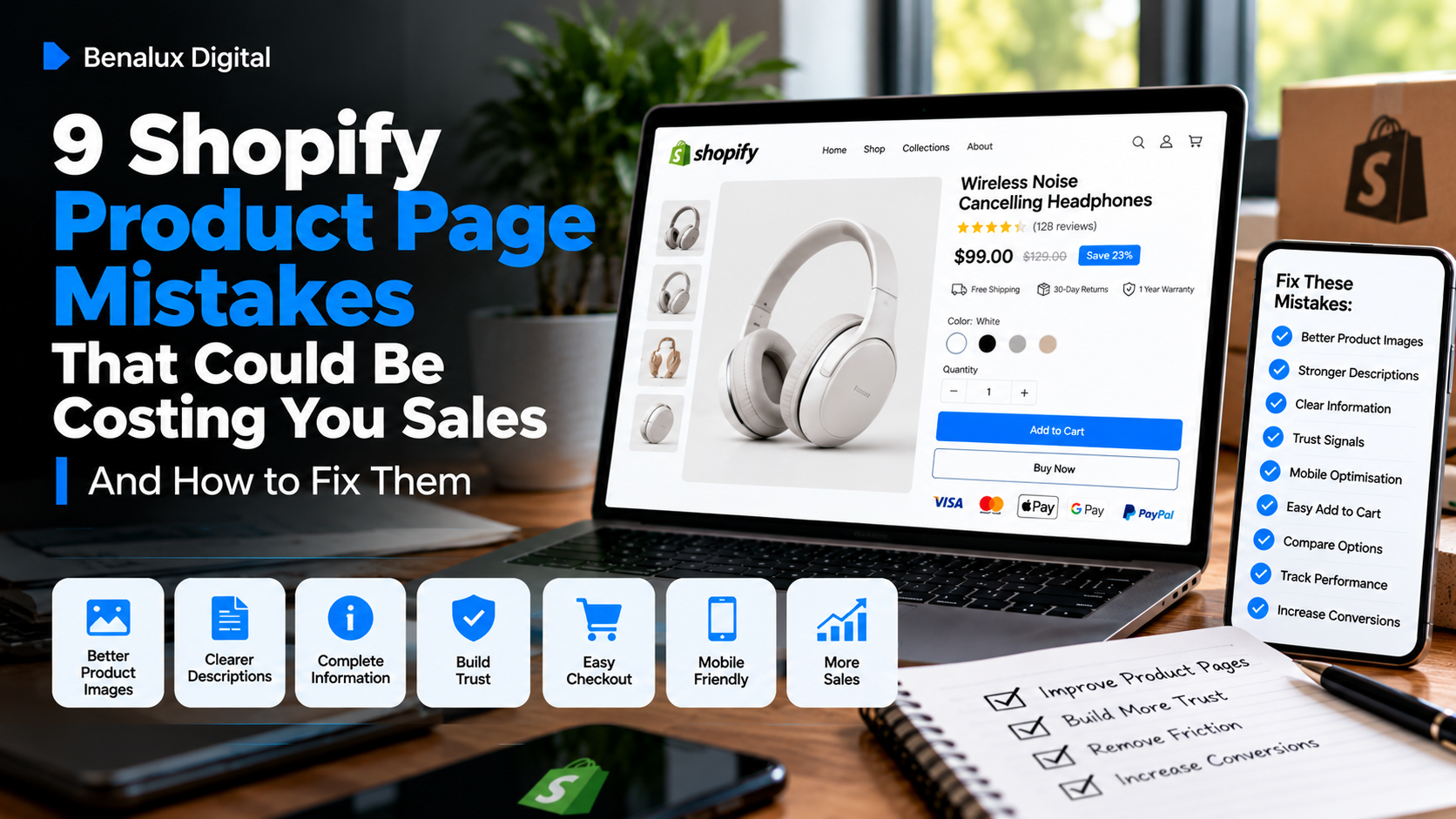
9 Shopify Product Page Mistakes That Could Be Costing You Sales
Your product pages can influence whether visitors buy or leave. Learn how to identify common mistakes in product images, descriptions, pricing, trust signals, and mobile shopping.
9 Shopify Product Page Mistakes That Could Be Costing You Sales
Introduction
A shopper arrives at your Shopify store, clicks on a product, and starts exploring. They are interested enough to learn more, but something makes them hesitate. They leave without adding the product to their cart.
When this happens repeatedly, it is tempting to assume that your store needs more traffic. However, before investing more money in marketing, it is worth examining what shoppers experience after they arrive.
Your product page is where potential customers evaluate your offer. They want to understand what they are buying, why it is worth the price, whether it suits their needs, and whether they can trust your business.
Small problems can make those decisions harder than they need to be.
Here are nine common Shopify product page mistakes to review and how to address them.
1. Using Product Images That Do Not Answer Customer Questions
Product images do more than make a page attractive. They help shoppers understand what they are considering buying.
A single image may not show enough detail, particularly when customers cannot examine the product in person.
Use clear, accurate images that show the product from useful angles. Where relevant, include close-ups, size comparisons, packaging details, colour options, or photographs showing the product in use.
For clothing, sizing and fit information may be especially useful. For electronics, customers may need to see ports, dimensions, included accessories, and compatibility details.
Make sure your images accurately represent the product. Misleading photographs can create disappointed customers, returns, and negative reviews.
Also optimise image file sizes so that large photographs do not unnecessarily slow down your store.
2. Writing Descriptions That Only List Features
Features tell customers what a product has. Benefits explain why those features may matter to them.
Consider a reusable water bottle. A description that only states its capacity and material may leave shoppers wondering why they should choose it.
A stronger description explains practical details such as how much it holds, how it fits into a daily routine, how it should be cleaned, and what makes its design useful.
You should still include accurate specifications. The aim is to connect those specifications to the customer's needs rather than replace them with vague marketing language.
A helpful structure is to explain what the product is, who it is for, what makes it useful, and the important details customers should know before purchasing.
3. Hiding Important Product Information
Customers should not have to contact you to discover basic information that could influence their purchase.
Depending on the product, important details may include dimensions, materials, ingredients, sizing, compatibility, care instructions, package contents, or product limitations.
Shipping times, return conditions, and warranty information can also affect a shopper's decision.
Place essential information where customers can find it easily. Use headings, short paragraphs, and concise specifications to make the page easier to scan.
If you sell products with several variants, clearly explain the differences between them. A shopper should understand what they are selecting before adding the item to their cart.
4. Making the Price Feel Unexplained
Customers evaluate price in relation to the value they believe they are receiving.
A product may be fairly priced, but if the page does not communicate its features, quality, suitability, or advantages, shoppers may struggle to understand the offer.
Make the value clear through accurate descriptions, useful imagery, specifications, and relevant demonstrations.
If you offer bundles or different product options, explain what each option includes. If delivery costs are additional, make the relevant shipping information easy to find.
Discounts can be useful in the right circumstances, but constant promotions are not a substitute for explaining why your product deserves consideration.
Your goal is to help customers make an informed decision, not to pressure them into buying through artificial urgency.
5. Neglecting Trust Signals
When customers encounter an unfamiliar store, they may have questions about product quality, delivery, returns, and customer support.
A product page should help address those concerns.
Display genuine customer reviews when available. Provide accurate contact information and make your shipping and returns policies easy to access. Use secure, supported payment methods and communicate the checkout process clearly.
If your store is new and has not yet collected reviews, do not manufacture testimonials or display fictional customer experiences. Instead, focus on transparent product information, real photographs, clear policies, and responsive support.
Trust develops when your store consistently provides reliable information and delivers the experience customers were led to expect.
6. Making the Add to Cart Button Difficult to Find
A shopper who has decided to consider a product should not have to search for the next step.
Make the Add to Cart button easy to locate and distinguish it visually from secondary actions. Ensure customers can select sizes, colours, or other variants without confusion.
On mobile devices, check that the button remains easy to reach and that important product details do not push it unnecessarily far down the page.
Avoid placing so many competing banners, pop-ups, and promotional elements around the purchase area that customers struggle to focus.
The buying process should feel straightforward from product selection through checkout.
7. Ignoring Mobile Product Page Experience
A page that looks attractive on a desktop monitor may feel frustrating on a smaller screen.
Text may become difficult to read, images may crop awkwardly, variant selectors may be hard to use, or important buttons may become difficult to tap.
Test your most important product pages on a real phone. Check image display, text size, scrolling, product options, cart behaviour, and loading speed.
Also make sure that product descriptions are easy to scan. Short paragraphs and clear headings can help shoppers find relevant information without navigating a wall of text.
Do not assume your theme handles every situation perfectly. Test the actual experience your customers receive.
8. Failing to Help Shoppers Choose Between Products
If your store offers several similar products, customers may struggle to determine which one suits them best.
This is particularly common when products differ by size, model, material, features, or intended use.
Help shoppers compare relevant differences. Explain which product suits particular needs, clarify compatibility, and provide comparison information when it genuinely helps.
For example, a store selling accessories for specific devices or vehicle models should make compatibility information prominent. Customers should not have to guess whether an item will work with what they own.
Clear product selection information can reduce confusion and help prevent avoidable returns.
9. Never Reviewing Product Page Performance
A product page should not be treated as finished simply because it has been published.
Use the analytics available in Shopify and other connected tools to understand how shoppers interact with your pages.
Look at product views, Add to Cart activity, checkout progress, and completed purchases. Compare performance across products and traffic sources where enough data is available.
If a product receives many relevant visits but very few cart additions, investigate its presentation, pricing, offer, and trust information.
If shoppers add items to their carts but do not complete checkout, examine shipping costs, delivery expectations, payment options, and checkout friction.
These patterns do not prove a single cause, so use them to guide further investigation rather than immediately assuming you know what is wrong.
Prioritise changes that address identifiable problems and evaluate the results over time.
How to Audit Your Shopify Product Pages This Week
You do not need to revise every product page at once.
Start with your best-selling products, your highest-priority products, or the pages receiving the most relevant traffic.
Day 1: Review product images and check whether they show the details customers need.
Day 2: Improve descriptions by combining accurate specifications with clear explanations of product benefits.
Day 3: Check sizing, compatibility, shipping, returns, and other essential purchase information.
Day 4: Review genuine trust signals and make contact and policy information easy to find.
Day 5: Test the product selection and Add to Cart experience on mobile.
Day 6: Examine available analytics to identify where shoppers appear to hesitate.
Day 7: Choose one or two improvements to prioritise and monitor their impact.
This approach helps you focus on meaningful changes instead of redesigning your entire store without evidence.
Final Thoughts
Your product pages play an important role in helping shoppers decide whether your products are right for them.
Clear images, useful descriptions, transparent information, genuine trust signals, and an easy shopping experience can help customers evaluate your offers with greater confidence.
Not every product page needs a complete redesign. Sometimes the most useful improvement is answering a question customers repeatedly ask, clarifying compatibility, or making an important detail easier to find.
Review your pages from the customer's perspective, use available data to identify potential problems, and prioritise improvements that address real needs.
Want a Second Look at Your Shopify Store?
At Benalux Digital, we help Shopify brands identify opportunities to improve their store experience, strengthen Google visibility, and develop practical customer acquisition strategies.
Our performance-based partnership model has no upfront agency service fee. The work, marketing budget, paid tools, and performance-based compensation are discussed and agreed upon before work begins.
Visit BenaluxDigital.com to learn more about our approach and discuss potential growth opportunities for your store.
This article provides general e-commerce guidance. The impact of any product page improvement depends on the store, its customers, its products, and how the changes are implemented.
Want this applied to your store?
See how we work — fixed-price services or a performance-based partnership.